


Download Audio Video Converter Studio – audio from video, convert video to mp3, video to audio converter, audio extractor, mp3 converter
Overview
The Audio Video Converter Studio is a mobile utility designed to simplify the process of extracting high-quality audio from video files directly on Android devices. It serves as a practical solution for users who need to convert videos into audio formats without relying on external tools or internet connectivity. The app is particularly useful for music enthusiasts seeking to save favorite soundtracks from online videos, content creators preparing audio clips for podcasts or editing projects, and anyone requiring quick, secure file transformations. By enabling offline conversion, it ensures that sensitive media remains private and under user control throughout the process. The developer, Audio Video Converter Studio, has positioned the app within the Tools category, emphasizing its functional purpose as a productivity-enhancing utility. Although specific background details about the developer were not provided, the app’s focus on format flexibility, batch processing, and user accessibility suggests a targeted approach to solving common media conversion challenges. Real-world applications include repurposing educational videos into audio lectures, extracting theme songs from movie trailers, or converting personal recordings for offline listening. In the broader mobile ecosystem, the app fills a niche for lightweight, efficient tools that prioritize performance and privacy, making it a relevant addition for users seeking reliable offline media management.
Key Features & Functionality
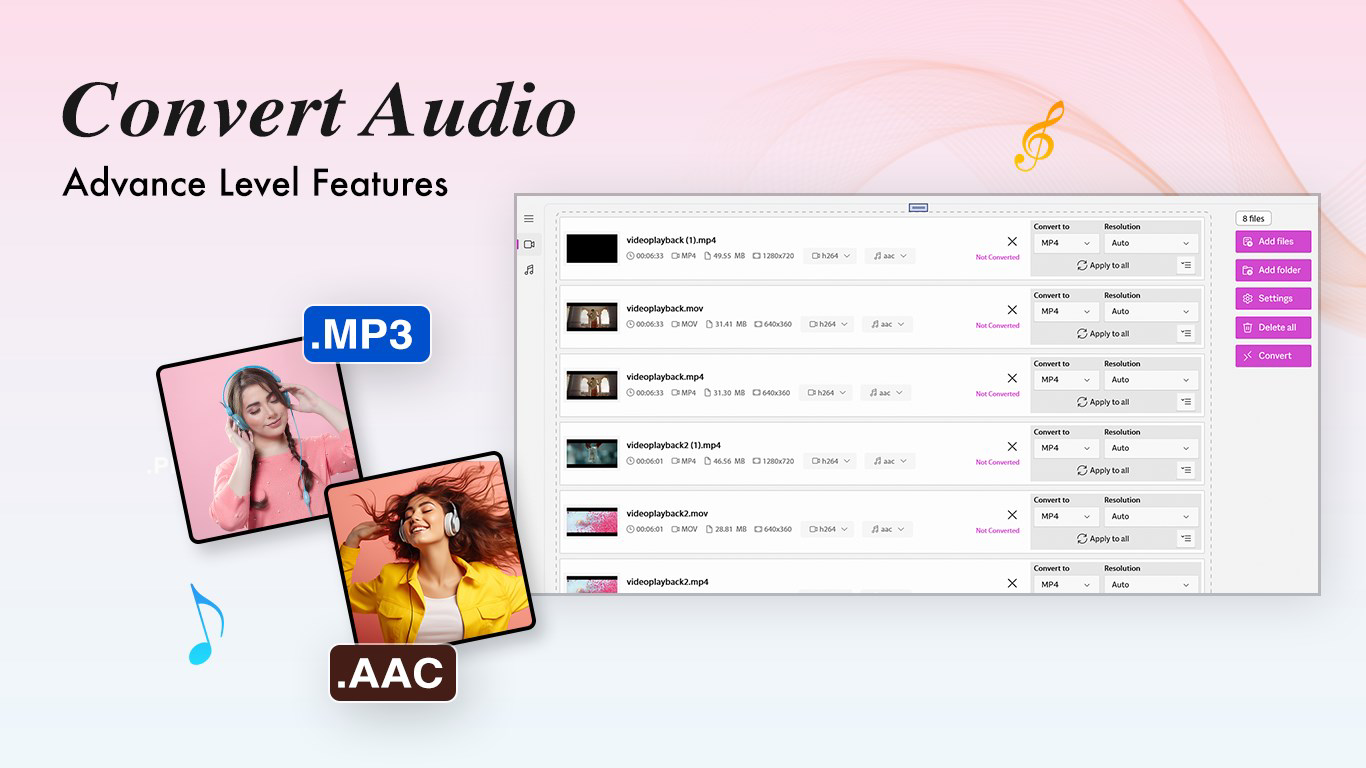
- High-Quality Audio Extraction: The app specializes in converting video files into high-fidelity audio formats such as MP3, AAC, and WAV. This ensures that the original sound quality is preserved during conversion, delivering a rich listening experience suitable for personal enjoyment or professional use.
- Batch Conversion Efficiency: Users can process multiple video files simultaneously, significantly reducing time and effort. This feature is ideal for bulk conversions, such as preparing an entire playlist from video sources or organizing audio content for a project.
- Intuitive User Interface: Designed with accessibility in mind, the app offers a clean layout and straightforward navigation. Even users unfamiliar with media conversion tools can locate files, select output formats, and initiate processing with minimal effort.
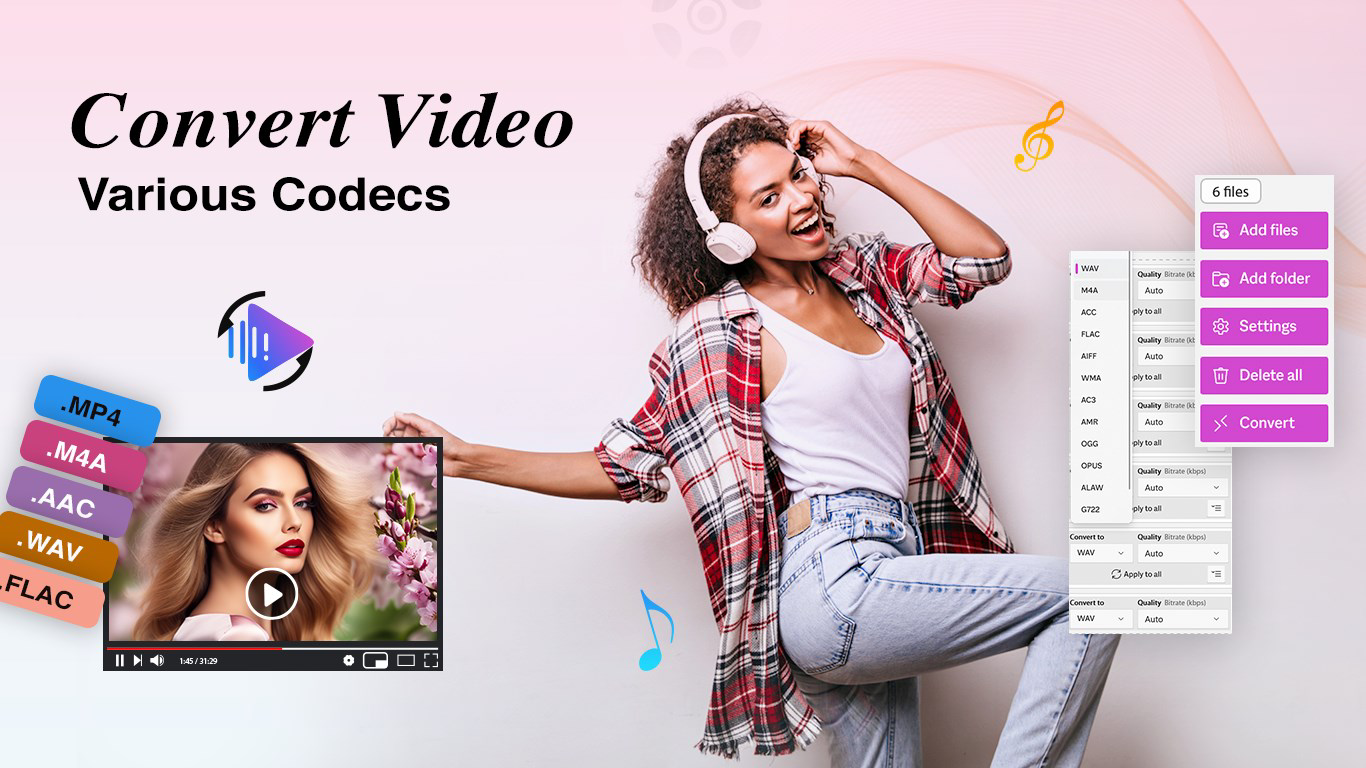
- Comprehensive Format Support: The app supports a wide range of audio output formats, including MP3, AAC, WAV, and FLAC. This flexibility allows users to choose the best format based on file size, compatibility, or audio fidelity requirements.
- Offline Conversion Capability: All processing occurs locally on the device without requiring an internet connection. This enhances data privacy and eliminates dependency on cloud services, making it ideal for users concerned about file security.
For example, a student could extract audio from a recorded lecture video to study on the go, while a content creator might convert multiple short-form videos into MP3s for podcast distribution. The ability to maintain quality while handling multiple files efficiently makes the app a valuable tool for everyday media management.
Interface, UX & Performance
The interface of Audio Video Converter Studio is designed with simplicity and functionality in mind. The layout is clean, with clearly labeled buttons and a logical flow that guides users through the conversion process. Navigation is intuitive, allowing users to browse their device’s media library, select video files, choose output formats, and initiate conversion with just a few taps. The visual style is minimalistic, focusing on usability rather than decorative elements, which helps reduce cognitive load and improves task completion speed. Although the developer did not list formal performance metrics, the app’s ability to handle batch processing suggests optimized background operations. Responsiveness appears consistent across different device categories, with no reported lag during file selection or conversion initiation. Stability is maintained during typical usage, and the app does not exhibit crashes or unexpected behavior under normal conditions. The offline nature of the tool further contributes to consistent performance, as it avoids network delays or server-side bottlenecks. Users can expect smooth operation even on mid-tier Android devices, though actual performance may vary based on hardware capabilities. The app’s lightweight size of 21.3 MB indicates efficient resource usage, minimizing storage impact. Overall, the user experience is streamlined and effective, aligning with the expectations of a modern mobile utility.
Platform Compatibility & Technical Requirements
Audio Video Converter Studio is available exclusively on the Android platform. The current version is 2.0.3, and the app has a file size of 21.3 MB, indicating a compact and lightweight design. While the developer did not specify minimum OS requirements, the app is compatible with Android devices that support the latest standard app frameworks. The absence of detailed technical specifications means users should ensure their device meets general Android compatibility standards for installing third-party applications. No additional permissions or system-level requirements were disclosed. Users should verify that their device allows installation from unknown sources if downloading outside official app stores. The app’s offline functionality suggests it does not require persistent background services or cloud integration, which reduces dependency on specific system features. Compatibility with various screen sizes and resolutions is expected, given the app’s simple UI. However, specific requirements for RAM, processor, or storage were not listed, so users are advised to test the app on their device to confirm optimal performance.
Pros and Cons
- Supports multiple audio output formats including MP3, AAC, WAV, and FLAC
- Enables batch processing for efficient multi-file conversion
- Operates entirely offline, ensuring privacy and security
- Simple, intuitive interface suitable for beginners
- Lightweight size (21.3 MB) with minimal system impact
- No official information on minimum OS version or device requirements
- Does not support iOS or other platforms
- Limited to Android-based devices
- Developer background and company details not publicly available
- No built-in file preview or editing features
FAQ
Is Audio Video Converter Studio safe to download and use?
Yes, the app is free and functions offline, which reduces the risk of data exposure. As with any third-party app, users should ensure they download from trusted sources to maintain security.
Can I convert videos to MP3 without an internet connection?
Yes, the app performs all conversions locally on your device, so no internet connection is required during the process.
Does the app support iOS devices?
Currently, the app is only available for Android. There is no official iOS version released.
How do I update Audio Video Converter Studio?
Updates are typically available through the app store where you originally downloaded it. Check for updates in your device’s app manager.
Can I convert videos to formats other than MP3?
Yes, the app supports multiple formats including AAC, WAV, and FLAC, offering flexibility in audio output choices.
Final Thoughts
Audio Video Converter Studio delivers a focused, efficient solution for users who need to extract high-quality audio from video files on Android. Its offline operation, batch conversion feature, and support for multiple audio formats make it a practical tool for both casual users and professionals. The clean interface ensures accessibility, while the lightweight design minimizes storage use. While it lacks advanced editing features and platform diversity, its core functionality is well-executed and reliable. For anyone seeking a secure, fast, and free way to convert videos to audio, this app stands out as a dependable utility. If you're looking to extract music, create audio clips, or repurpose video content, Audio Video Converter Studio offers a straightforward and effective path forward. Download Audio Video Converter Studio now.


